macOS 27.3 Public Beta: What to Try First
macOS 27.3 Golden Gate public beta 1 (26C5035r) adds Safari vertical tabs, Live Activities, Markdown Quick Look, more Siri AI.
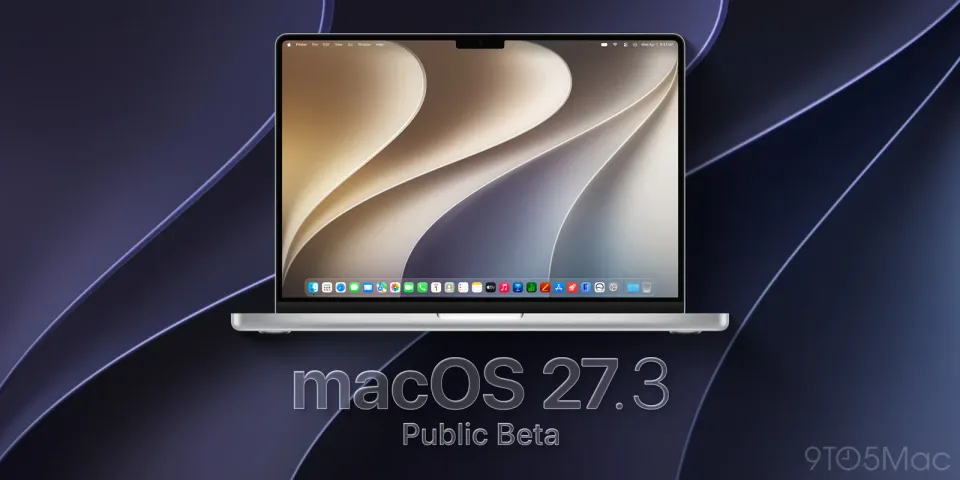
Apple’s first macOS 27.3 Golden Gate public beta is live. Build 26C5035r matches the developer beta that landed two days earlier, and it is a bigger point release than 27.2 — Safari layout options, more Siri AI languages and actions, menu-bar Live Activities, and Markdown Quick Look.
What happened
On November 5, Apple seeded public beta 1 of macOS 27.3 (and matching 27.3 betas for iOS, iPadOS, tvOS, and watchOS) to anyone enrolled at beta.apple.com. 9to5Mac walked through the Mac changes the same day (their X post), and MacRumors covered the full 27.3 public-beta drop across devices. A final release is still expected in December.
On the Mac, the headline additions are:
- Safari 27.3: vertical tabs, Adaptive Dark Mode for sites that lack a dark theme, and Siri AI help organizing tabs. Global Privacy Control also shows up in this build per BetaWiki’s notes on 26C5035r.
- Siri AI: more actions across Messages, Music, Calendar, Photos, Reminders, Finder and others, plus four new languages — Traditional Chinese, Norwegian, Turkish, and Vietnamese. Developers get Markdown-based instructions for multi-step app actions.
- Live Activities in the menu bar on Apple silicon Macs that do not have a Dynamic Island (Music, Clock, Voice Memos, screen recording, and third-party apps). MacRumors covered that piece when the developer beta shipped.
- Quick Look now renders
.mdfiles as formatted Markdown instead of raw text. - Pro Light wallpaper / “Pro Lighteensaver” from the new OLED MacBook Pro lineup, plus the public-link iCloud harmful-content checks we already covered separately.
Why it matters
Public beta means you no longer need a developer account to try 27.3. That is useful if you care about Safari’s tab overhaul or want Live Activities without buying a touchscreen MacBook Pro. It is also riskier than waiting for December: betas still break drivers, VPN clients, and battery behavior — topics we already dug into for macOS 27 sleep drain and the matching iOS 27 battery fixes.
If you share iCloud Photos or Drive with “Anyone with the link,” remember 27.3 is when Apple starts checking those public shares for harmful content and drops end-to-end encryption on that share type. Details are in our earlier note on Apple’s iCloud public-link scans.
What to do
- Curious testers: enroll at beta.apple.com with your Apple ID, then install from System Settings → General → Software Update. Confirm the build shows 26C5035r before you rely on it.
- Daily drivers / work Macs: stay on 27.2 (or whatever release you are on). Time Machine or a bootable clone first if you insist on the beta.
- What to try first: Safari → View for vertical tabs; Quick Look a README.md; System Settings → Menu Bar for Live Activities; ask Siri to do a multi-step Reminders or Files task in one of the new languages if you use them.
- Creative apps: Affinity is free again on Mac — see how to get Affinity free — but verify plugins after any major beta jump.
My take
I would put 27.3 public beta on a spare volume or an older MacBook, not on the machine I bill from. Vertical tabs and Markdown Quick Look are the kind of small quality-of-life changes that stick; Live Activities in the menu bar finally gives non-Island Macs something closer to what the new Pro laptops advertise. Indian readers on M1/M2/M3 Airs get the same public beta as everyone else — Apple does not region-lock these — but laggy ISP updates and long Time Machine backups mean a bad beta day costs more when you only own one laptop.
Watch battery overnight after you install. If idle drain spikes the way some Golden Gate builds did earlier, roll back before you chase random “fixes.” And if you only wanted the iCloud link policy change, you can wait for the December release and skip the beta churn entirely.



Comments ()