Ghostscript Upload2Shell Flaw: Update the Renderer Now
Upload2Shell (CVE-2026-125396) lets a crafted upload escape Ghostscript's sandbox via WordPress, Roundcube or CUPS. Fixed builds and what to check.
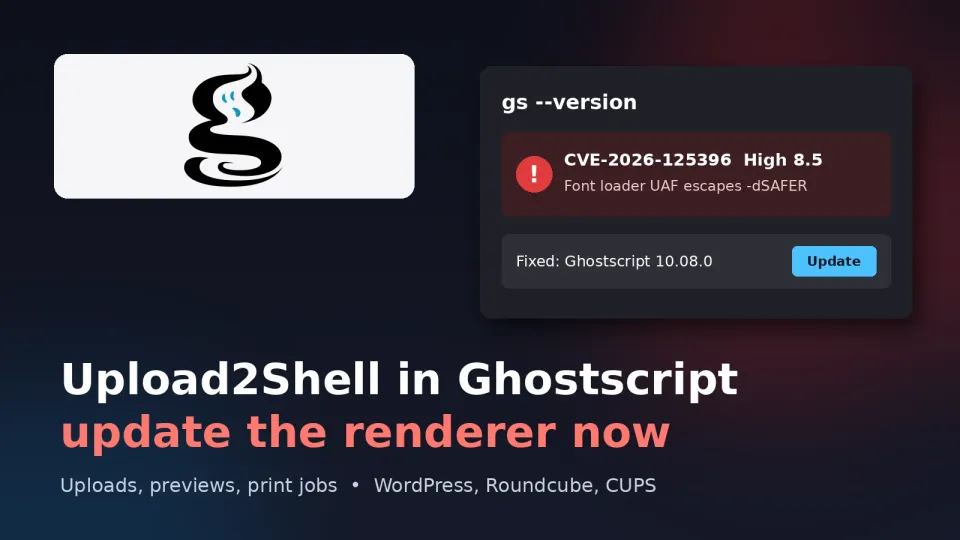
If you run anything that turns uploaded files into thumbnails, previews or PDFs, check your Ghostscript version today. On November 21 the security firm pwn.ai published the details of Upload2Shell, tracked as CVE-2026-125396. It's a bug in Ghostscript's font loader that lets a booby-trapped document break out of the program's sandbox and run commands on the server that renders it. The fix has been out since September, but plenty of machines still don't have it.
What happened
Ghostscript is the PostScript and PDF interpreter that sits quietly under a lot of Linux software. Your app may never call it by name. ImageMagick, for example, looks at what's inside a file rather than its extension, so a "photo.png" that actually contains PostScript gets handed to Ghostscript to draw. Ghostscript runs these documents inside a sandbox mode called -dSAFER, which is meant to stop them from reading files or launching programs.
Upload2Shell gets around that. According to pwn.ai's technical write-up, a crafted Type 1 font makes an internal helper fail halfway through, and the document's own error handler then picks up a privileged operation the helper was about to use. From there it builds a use-after-free, gets read and write access to the interpreter's memory, and switches off the path controls that enforce the sandbox. After that, the document can run a shell command as whatever account does the rendering.
Artifex fixed it in a September 2 commit that shipped in Ghostscript 10.08.0 on September 8. The commit message is unusually candid. It says the team wants to remove the risky operator entirely, but "it isn't easy to undo 30 years worth of assumptions in the code." The CVE was published on November 9 with a CVSS 4.0 score of 8.5, per the NVD entry. An oss-security post on Saturday pointed out that 10.08.0's own release notes only say it "addresses a number of potential security issues," which is a big part of why so many admins missed it.
Why it matters
The CVE is scored as a local bug, but pwn.ai's disclosure timeline lists confirmed command execution through ordinary internet-facing features:
- An unauthenticated print job sent to a shared CUPS queue on Debian 13
- An email attachment that Roundcube thumbnailed when the message was opened, including the Roundcube bundled with Plesk Obsidian
- Public upload fields in the Forminator and Essential Addons for Elementor WordPress plugins
- WordPress core for any user who can upload files (Author role and up)
- Mayan EDMS, DokuWiki with its ImageMagick backend, MediaWiki with anonymous PDF uploads, and ResourceSpace
Google also had an affected document pipeline, which pwn.ai says it fixed on November 10. There's no public report of attacks yet, according to The Hacker News, but a full write-up is now public, and that usually changes things quickly.
What to do
Patch the copy of Ghostscript your app actually uses. That's often not the one you'd expect.
| Where Ghostscript lives | Fixed build |
|---|---|
| Upstream / source builds | 10.08.0 or later |
| Debian 13 (trixie) | 10.05.1~dfsg-1+deb13u3 (DSA-6516-1) |
| Debian 12 (bookworm) | 10.0.0~dfsg-11+deb12u9 from bookworm-security (DLA-4914-1) |
| Ubuntu | USN-8949-1 (October 21, per pwn.ai) |
| openSUSE Tumbleweed | 10.08.0-5.1 |
| SUSE Linux Enterprise, Leap | Pending; some 15 SP builds in QA |
Sources: Debian security tracker, SUSE CVE page. Ubuntu's own CVE page still showed "Needs evaluation" when I checked, so go by the USN and your package changelog.
- Check the package, not just the version. Distros backport fixes, so
gs --versionprinting 10.0.0 on Debian 12 tells you nothing. Rundpkg -l ghostscriptorrpm -q ghostscriptand compare against the table above. - Update and restart workers. On Debian or Ubuntu that's
sudo apt update && sudo apt install --only-upgrade ghostscript. Then restart PHP-FPM, queue workers or anything long-running that calls ImageMagick. - Rebuild your containers. Patching the host does nothing for a Ghostscript copy baked into a Docker image. Pull a fresh base image and redeploy.
- Update WordPress and Roundcube too. WordPress 7.0.4 (August 12, also backported to 4.7.35 and later branches) blocks PostScript at upload, per its release post. Roundcube added its own image-type restriction in October. Those fixes and the Ghostscript patch close different steps of the same attack, so you want both.
- Can't patch yet? Require login on shared print queues, limit which formats your image library accepts, and keep AppArmor or a similar profile on the renderer.
My take
This one worries me more than its "local" label suggests, because almost nobody thinks of Ghostscript as part of their attack surface. I run my own servers, and "PostScript interpreter" has never been on my patch checklist either. Yet if ImageMagick is installed and someone can upload a file, it's there.
The people I'd worry about most are small agencies and solo admins: a client WordPress site with a public registration form, a Plesk server with Roundcube, a home lab with a shared printer. If that's you, spend ten minutes on the package check this weekend. If you run containers, do the image rebuild even if your hosts look clean. That's the step people skip.
It also fits a pattern from the last few weeks. NGINX2Root and the WordPress flaw CISA flagged were both about old, trusted plumbing turning out to be reachable from the web. Upload2Shell is the same lesson, and the vague release note made it easy to miss. If you use Debian or Ubuntu, my apt check-and-patch walkthrough covers confirming that security updates actually landed. For broader cleanup after a scare like this, I keep the main steps in my malware check guide.


Comments ()