WhatsApp Fixes Flaw Scammers Used on Android
WhatsApp patched 3 bugs, including an Android ad-reply flaw scammers used to grab IP addresses. Versions to check and how to update now.
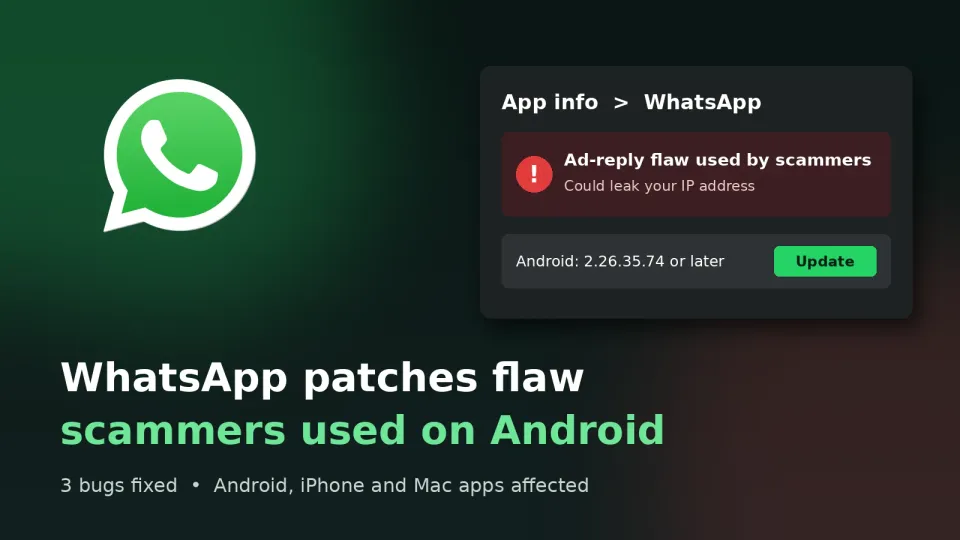
WhatsApp has fixed three security bugs in its November update, and one of them was already being used. A scammer found a way to make WhatsApp on Android quietly hand over the recipient's IP address, and WhatsApp says that trick was used to make scam messages look more believable. The fix is out on Android, iPhone and Mac. It takes a minute to install.
What happened
WhatsApp listed the three bugs in its security advisories page on November 20. The one that matters most is CVE-2026-23871. It lives in Click to WhatsApp ads, the ads on Facebook and Instagram that open a chat with a business when you tap them. WhatsApp for Android and WhatsApp Business for Android before version 2.26.17.4 didn't fully check the external links inside those ad replies. An attacker could craft one that pulled media from a server they controlled, and once the message showed up in your chat, your phone would fetch that file and reveal its IP address.
WhatsApp's own team found it while breaking up a scam campaign. A spokesperson told SecurityWeek: "Our team found this issue while disrupting a scam campaign, and we believe a scammer was using it to make their scam message seem more credible." The company hasn't said how many people got these messages. It rates the bug low impact (CVSS 3.5, per The Hacker News), and Hong Kong's HKCERT put out a medium-risk bulletin on November 23 noting scattered exploitation.
The other two were not seen in attacks:
- CVE-2026-102769 (Android before 2.26.35.74): a SQL injection bug triggered by tapping a booby-trapped "order details" message sent from an unofficial client. It could delete WhatsApp files stored on the phone and, through a timing trick, leak a single bit of information about your chat database. Reported through Meta's bug bounty.
- CVE-2026-44908 (iPhone, Mac and Android): a certificate-checking flaw in the code WhatsApp uses to verify the secure servers behind Meta AI's Private Processing. Only someone inside Meta's infrastructure could have abused it, and WhatsApp says its public transparency log shows nobody did.
Why it matters
An IP address alone can't unlock your phone or read your chats. But it gives away your rough location and your internet provider, and that's useful to a scammer. A message that mentions your city or your mobile carrier feels a lot more real than a generic "Dear customer". That's the whole point of the trick: no malware, just a bit of extra detail to make a lie convincing.
It also arrived with no tap at all. You didn't need to open a link or download anything. The message only had to be shown in a chat thread. Low impact on paper, yes, but the kind of quiet leak most people would never notice.
What to do
| App | Update to at least |
|---|---|
| WhatsApp for Android | 2.26.35.74 |
| WhatsApp Business for Android | 2.26.23.70 |
| WhatsApp for iPhone | 2.26.24.72 |
| WhatsApp Business for iPhone | 2.26.23.72 |
| WhatsApp for Mac | 2.26.23.72 |
- Check your version. On Android, open WhatsApp Settings, then Help, then App info. On iPhone, the version shows under Settings, then Help (called Help and feedback on newer builds). Compare that number against the table.
- Update from the store. Open Google Play or the App Store, search WhatsApp, and tap Update if it's offered. On a Mac, update through the Mac App Store or the app's own prompt.
- Turn on auto-updates. In Google Play, open the WhatsApp listing, tap the three-dot menu and enable auto-update. On iPhone, it's under Settings, App Store, App Updates.
- Treat ad-driven chats with suspicion. If a "business" you reached through an ad knows your city or carrier and then asks for money, a code or a card number, stop. Check the company through its official website instead.
My take
I'd update today, mostly because it costs nothing. This isn't a panic-level bug. Nobody is reading your messages through it. But it's a real, used-in-the-wild flaw in an app that sits on billions of phones, and Android users who don't auto-update are the ones exposed. If you manage a family member's phone, this is a good excuse to switch auto-updates on for them too.
The detail I find interesting is who was using it. Not a spy agency, just a scammer polishing a pitch. That fits the pattern of the last few weeks. When Chase, Visa and Mastercard confirmed vendor leaks last week, the worry wasn't stolen cards, it was scammers holding just enough personal detail to sound legitimate. An IP address does the same job. Small leaks add up to convincing fraud.
WhatsApp Business users should pay attention too. Click to WhatsApp ads are a business tool, so companies running them handle exactly the kind of messages this bug rode on. Make sure every phone your team uses for customer chats is on the fixed build, not just your own.
If scam calls and texts are already a problem for you, my guide to blocking spam calls on Android and iPhone covers the built-in filters worth turning on. And if you're moving to a new phone soon, update WhatsApp before you transfer your chats so the new install starts on a patched build. For more general phone troubleshooting, start with the phone fixes hub.



Comments ()