Affinity for iPad Is Out and Free for Individuals
Canva released Affinity for iPad with vector, photo, layout and sketch tools free for individuals. What is paid, what is missing, who can run it.
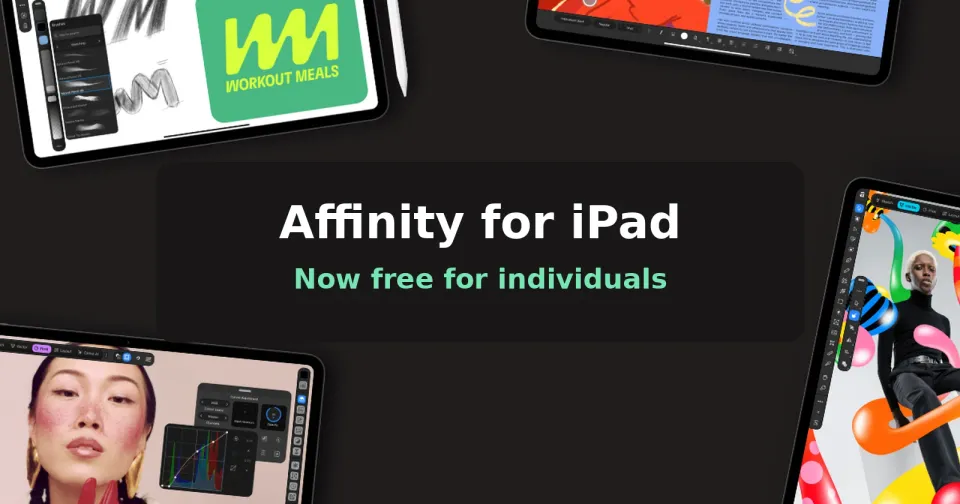
Good news if you draw, edit photos or lay out pages on an iPad. Canva has released Affinity for iPad, and the core app costs nothing for individuals.
What happened
Canva announced it on November 2, a year after it merged the old Affinity Designer, Photo and Publisher apps into one free app on desktop. The iPad version puts vector design, photo editing, page layout and a new touch-first Sketch Studio into a single file, so you can go from a rough Apple Pencil sketch to a print-ready document without leaving the app.
It's on the App Store as "Affinity by Canva", needs iPadOS 18 or later, and is about 1.9GB. You'll need a free Canva account to sign in. It opens PSD, AI, INDD, IDML, PDF and SVG files. Canva says it supports Apple Pencil Pro features like squeeze, barrel roll and hover. 9to5Mac flagged the launch on X.
What's free and what isn't
The sketching, vector, photo and layout tools are all free. The paid part is Canva AI Studio, which handles things like Generative Expand, upscaling, noise reduction and a Decompose Layer tool that splits a flat image into editable layers. That needs a Canva premium plan. The Verge lists Canva Pro from $18 a month in the US (roughly ₹1,710), though Canva prices vary by country, so check what it shows you.
A few desktop features aren't there yet. MacRumors notes that Books, Batch, Data Merge, macro recording and the Astrophotography Studio are missing at launch, with more promised over time.
Why it matters
Pro creative apps on the iPad usually mean a subscription. Procreate is a one-time purchase but only covers drawing, while Adobe's tools mostly need a paid plan. A free app that does vector, photo and layout work in one place is a real option for students, freelancers and hobbyists. Canva says the desktop version has passed seven million sign-ups in its first year.
The usual caveat applies: Canva owns it now, and the free model could change one day. For now there's no catch on the core tools, and your local files aren't used to train its AI features, according to Canva.
What to do
- Check your iPad is supported. The list covers the 7th-gen iPad, 5th-gen iPad mini, 3rd-gen iPad Air and every 11-inch iPad Pro or later.
- Give it a go on a real project before you cancel anything you pay for. The missing desktop features may matter for print work.
- If you use Affinity on a Mac or PC, MacRumors points out the iPad app uses the same file format, so you can start on the iPad and finish at your desk.
- Need the Windows/Mac/iPad install walkthrough (Canva sign-in, what’s free vs Pro AI)? Use the full guide: Get Affinity free on Windows, Mac and iPad.
Thinking about a new tablet for it? Here's what we know about the new OLED iPad mini.



Comments ()