Steam's Personal Calendar Is Now a Full Feature
Valve's Steam Personal Calendar has left Steam Labs. Here's how it picks recent and upcoming games for you and how to set it up.
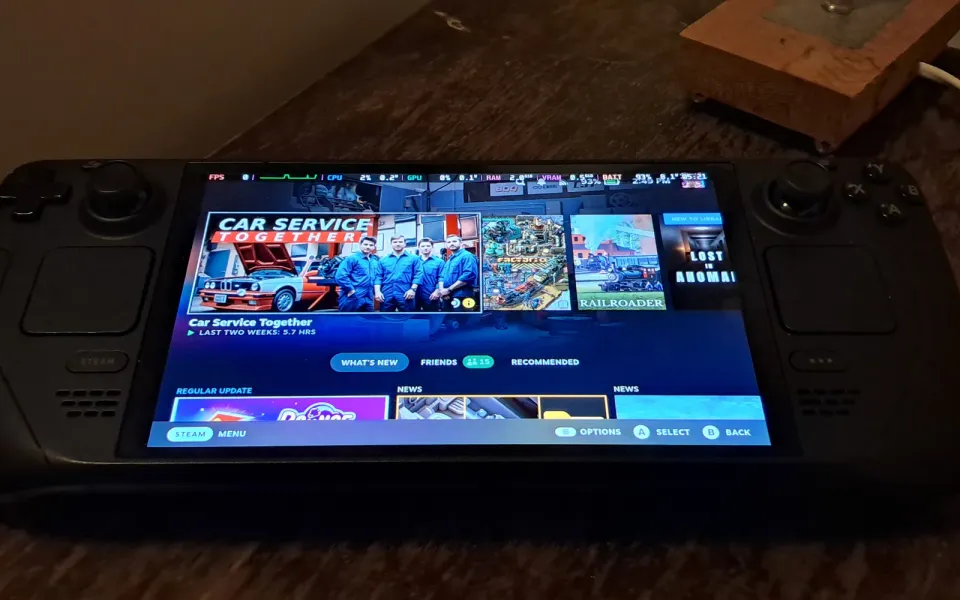
Valve has turned one of its Steam Labs experiments into a permanent part of the store. The Personal Calendar, which spent the past year as a Steam Labs test, is now a full feature and sits right on the Steam store homepage. Valve announced it in a Steam news post on October 23, and Engadget picked it up a day later.
What happened
The Personal Calendar is a release calendar built just for you. It shows games that came out recently and games that are coming soon, but only the ones Steam thinks you'll care about. You can open it from the store front page or go straight to store.steampowered.com/personalcalendar.
The way it picks games is pretty simple to explain. Steam looks at what you've played most lately, finds other players whose playtime looks like yours, and then checks what those people are wishlisting and playing. Valve says it weights the games you sink real hours into, so trying a demo for ten minutes won't throw your list off. The model is retrained every day, and the calendar looks about eight weeks ahead.
It first showed up in Steam Labs in October 2025. Over eleven months of feedback, Valve added things like Early Access to 1.0 dates set by developers, filters for wishlisted games, Early Access titles and DLC, and better support on phones and SteamOS devices like the Steam Deck. Valve says players now click on more than 2,000 different games in the calendar in an average 24-hour period.
Why it matters
Steam gets thousands of new games every year, and the front page tends to push the same big hits to everyone. The calendar is meant to fill that gap, mixing popular releases with niche ones that match your taste. Valve also says nobody can pay to appear in it and that it isn't hand-curated, which matters if you're wary of sponsored placements. For indie developers, it's another route to players who are actually likely to buy, and Valve has published documentation for developers on how games get surfaced.
What to do
- Open it once and set the filters. Turn DLC or Early Access on or off depending on what you actually buy.
- Give it time. If your recent playtime is thin, the picks will be rough. They get better as you play more.
- Use it with your wishlist. Adding upcoming games you spot there means you'll get Steam's release and sale alerts for them.
It's free and on by default, so there's nothing to install. It's also a nicer bit of gaming news than this week's BioWare closure.



Comments ()