Android Quick Share Can Auto-Back Up to Windows
Google Play services 26.43 adds automatic photo and video backup from Android to a Windows PC over Quick Share. How to update and what to expect.
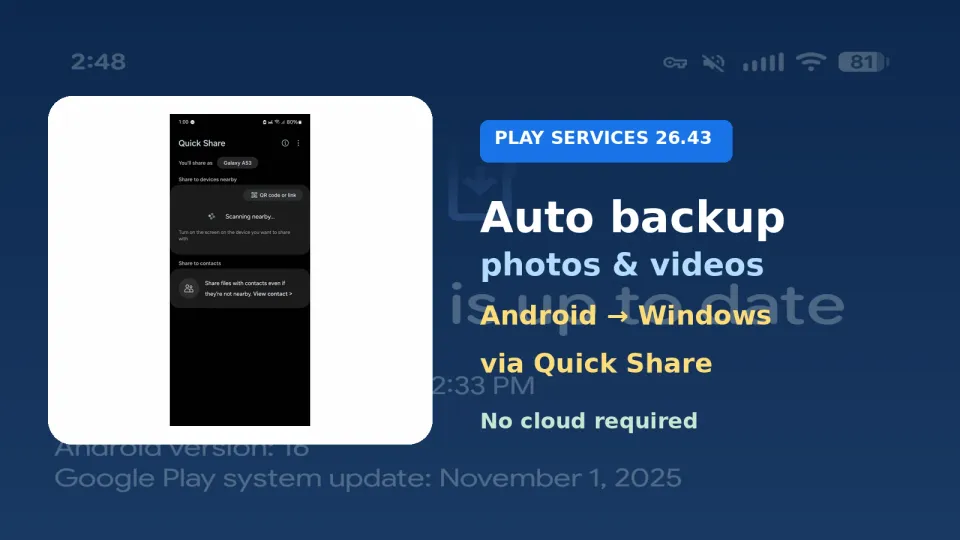
Google has finally put automatic phone-to-PC photo backup in its official changelog. Play services can now push photos and videos from an Android phone to a Windows PC over Quick Share, without routing them through the cloud.
What happened
In the November 2026 Google System Services release notes, under Device Connectivity, Google lists: "Automatic backing up photos/videos from an Android to Windows using Quick Share feature," tagged for Phone and PC. 9to5Google and Android Authority both tie that line to Google Play services v26.43 (dated November 2). @9to5Google posted the System Updates roundup on X.
Android Authority has been tracking the "Automatic backup" toggle in Quick Share settings since April. Their teardowns suggested setup starts in the Quick Share for Windows app, with the phone nearby and both devices on the same Google Account, then new media copies across the home network. Those same teardowns also flagged possible early exclusions for Samsung phones and PCs. Google's public notes do not mention any Samsung carve-out, so treat that as unverified until the feature actually lands on devices.
The same November notes also confirm Android Family Hub in Settings and a Password Manager improvement for resolving import conflicts. Those are separate rollouts from the backup line.
Why it matters
Most "back up my phone" advice still means Google Photos, OneDrive or a cable. A local Quick Share path is useful if you want full-resolution copies on a PC disk without another cloud bill, and without waiting for a USB session. It also sits next to the storage squeeze a lot of households are already feeling; Microsoft's Family plan storage change is one example I covered in Microsoft 365 Family's move to 2TB shared storage.
Play services updates ship in waves. Seeing the changelog today does not mean your phone has the toggle yet.
What to do
- On the phone, open the Play Store, tap your profile, then Manage apps & devices, and update Google Play services when v26.43 (or newer) appears.
- On the PC, install or update Quick Share for Windows from Google and sign in with the same Google Account as the phone.
- Keep both devices on the same Wi-Fi while you look for an Automatic backup option in Quick Share settings.
- Until it shows up, keep using your normal photo backup. Do not turn off cloud backup assuming this is already running.




Comments ()