Windows Server 2016 Support Ends in January 2027
Microsoft says the January 2027 update is the last for Windows Server 2016. What ends, who is affected, and how to plan your upgrade.
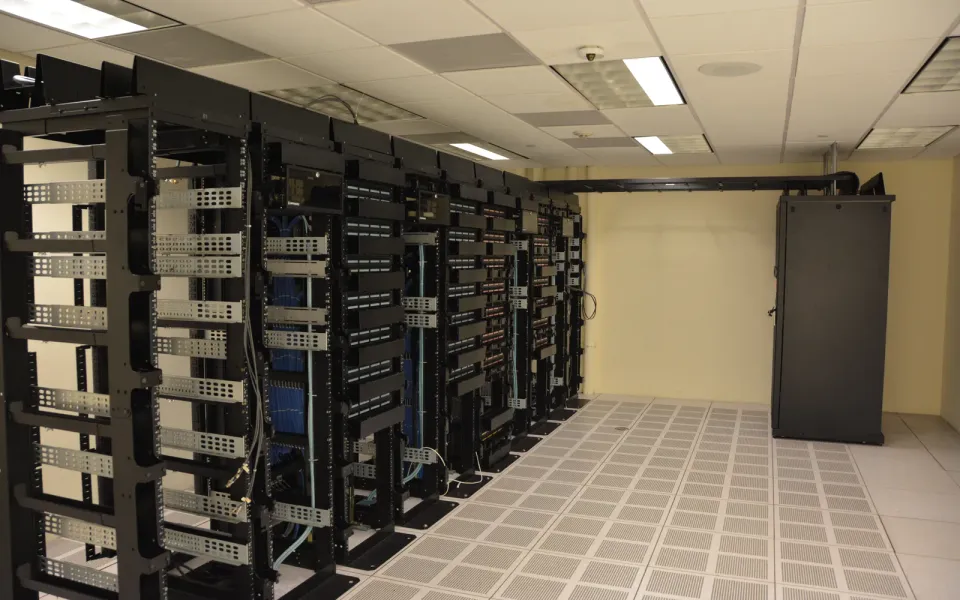
Windows Server 2016 has about eleven weeks left. Microsoft is reminding admins that the January 2027 Patch Tuesday will be the last security update it ever gets, and if you've still got a 2016 box humming away in a cupboard or a VM host, now is the time to plan the move.
What happened
According to Microsoft's lifecycle page for Windows Server 2016, extended support ends on 12 January 2027 (Pacific time). That covers every edition: Datacenter, Standard, Essentials and MultiPoint Premium. Mainstream support already ended back in January 2022, so for the past few years it's been getting security fixes only.
In a message centre update, reported by BleepingComputer, Microsoft said the January 2027 security update will be the final one, and that Essentials features such as Remote Web Access stop being supported on the same date. Its advice is to plan an upgrade to Windows Server 2025. Containers built on the 2016 base images follow the same dates too.
Why it matters
Server 2016 shipped ten years ago this month, and it's still everywhere: small office file servers, domain controllers, line-of-business apps nobody wants to touch, and plenty of home labs running on cheap refurbished hardware. Once updates stop, every new Windows bug that also affects 2016 stays open for good. Attackers know that, which is why unpatched servers are some of the first things they go after.
There's also a compliance angle. Many security audits and cyber insurance policies flag unsupported operating systems, so an old server can cause trouble even if it's never actually attacked.
What to do
- List every machine and VM still on Server 2016, including the forgotten ones.
winverorGet-ComputerInfowill tell you the version. - Check whether the apps on each one support Server 2025. Microsoft offers a free 180-day evaluation from its Evaluation Center so you can test before you commit.
- Start with anything exposed to the internet, like RDP gateways, web servers and VPN endpoints, and move or retire those first.
- If a server truly can't be upgraded in time, cut it off from the internet, limit who can sign in to it, and set a firm date to retire it.
- For a home lab box, a supported Linux distro may honestly be the easier path.
This is the same story playing out on the desktop side. I wrote about it in Windows 10's extended updates to 2027 and in whether to move to Windows 11 26H2.
Sources: Microsoft Lifecycle: Windows Server 2016, with reporting from BleepingComputer (via X).


.jpg)
Comments ()