Instagram Finally Lands on Apple TV With Reels
Instagram now has an Apple TV app for Reels, longer videos and live shows. It needs tvOS 26 or later. Here is what it does and what to check first.
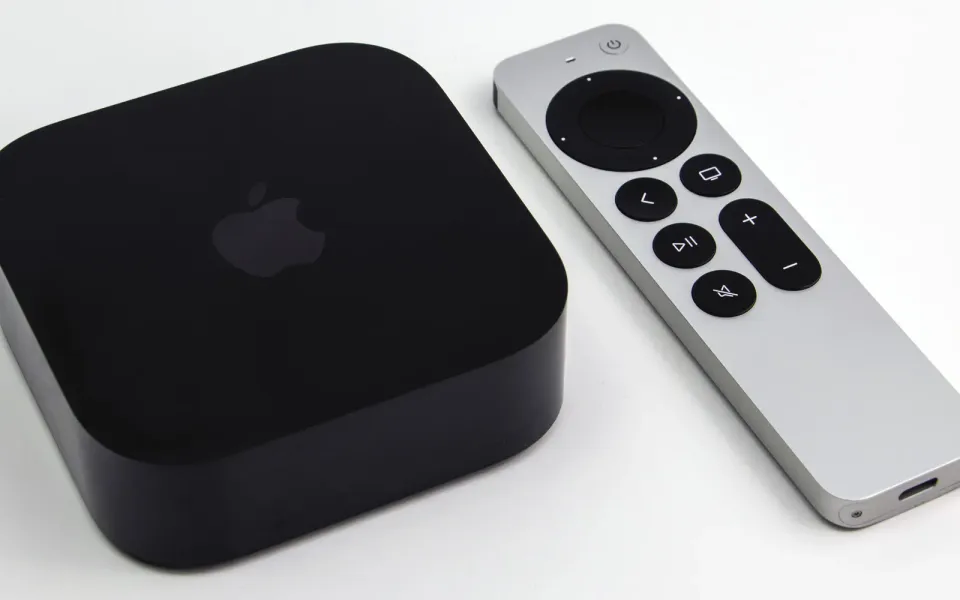
Instagram now has a proper app for the Apple TV. It's free on the tvOS App Store, and it puts Reels, longer creator videos and live shows on the big screen. MacRumors spotted it over the weekend, and the App Store listing now shows Apple TV next to iPhone and iPad.
What happened
Meta shipped the TV version without much fuss. According to MacRumors, Apple's release data dates the TV build (version 66.0) to October 23, while an archived copy of the listing from October 19 still showed only iPhone and iPad. When I checked the listing myself, it said the Apple TV app needs tvOS 26.0 or later.
The app is built for watching, not posting. You sign in, watch Reels, longer videos and live shows from creators you like, and pick up where you left off on another device. Instagram describes it as a way to watch together with friends and family.
Apple TV isn't the first stop. Instagram started testing a TV app on Amazon Fire TV in the US in December 2025, then added Google TV in February and Samsung smart TVs in June. Apple's box is the last big platform to get it.
Why it matters
Honestly, this is Meta chasing YouTube into the living room. Vertical Reels on a big TV look a little silly, and I think that's why Meta talked up longer creator videos, episodic series and live broadcasts back in June. If creators actually make TV-sized stuff, Instagram turns into one more app competing for your evening next to YouTube and Netflix. If they don't, it's a fancy Reels player.
It also means more of your viewing ends up in Meta's recommendation system. The App Store privacy label for Instagram lists data that may be used to track you across other companies' apps and sites, and the TV app is part of the same listing.
What to do
- Check your tvOS version in Settings, then System, then Software Updates. Anything older than tvOS 26 won't install it.
- Think about who uses the TV. If the whole family shares one Apple TV, signing in puts your personal feed and recommendations on the shared screen. A separate profile or a quick sign-out helps.
- Use it or skip it. Nothing changes if you ignore it. The phone app works the same as before.
YouTube has been reshuffling its own apps lately too, including moving Subscriptions off the bottom bar. The fight over what you watch is very much on.
_with_Siri_Remote_(cropped).jpg)
Comments ()